Published NOTAM · D4272/26
Danger area activation
The named danger area is activated during the published periods. This does not confirm aircraft movements, aircraft types or airfield opening hours.
- 3 Nov · 08:30–17:00 GMT


You’re offline. Flying information and weather on this page cannot be checked. Reconnect and refresh before relying on it.
For the moments worth looking up.
Special flying. Unusual visitors. Your favourite airfields.
A clearer view of what’s worth watching.

A quicker way to your favourites
Saved in this browser. Manage favourites on the airfield cards below or in the airfield directory.
Published NOTAM · D4272/26
The named danger area is activated during the published periods. This does not confirm aircraft movements, aircraft types or airfield opening hours.
Published NOTAM · D4291/26
The named danger area is activated during the published periods. This does not confirm aircraft movements, aircraft types or airfield opening hours.
Published NOTAM · D4292/26
The named danger area is activated during the published periods. This does not confirm aircraft movements, aircraft types or airfield opening hours.
Published NOTAM · D4273/26
The named danger area is activated during the published periods. This does not confirm aircraft movements, aircraft types or airfield opening hours.
Published NOTAM · D4277/26
The named danger area is activated during the published periods. This does not confirm aircraft movements, aircraft types or airfield opening hours.
Your place by the fence
From fast jets to familiar favourites.
Explore all eight airfield guides.
Favourite airfields appear first in your airfield list. Saved in this browser; favourites don’t sign you up for alerts.
Typhoon and Battle of Britain Memorial Flight
View Coningsby Explore the airfield guide
Surveillance aircraft and Red Arrows
View Waddington Explore the airfield guide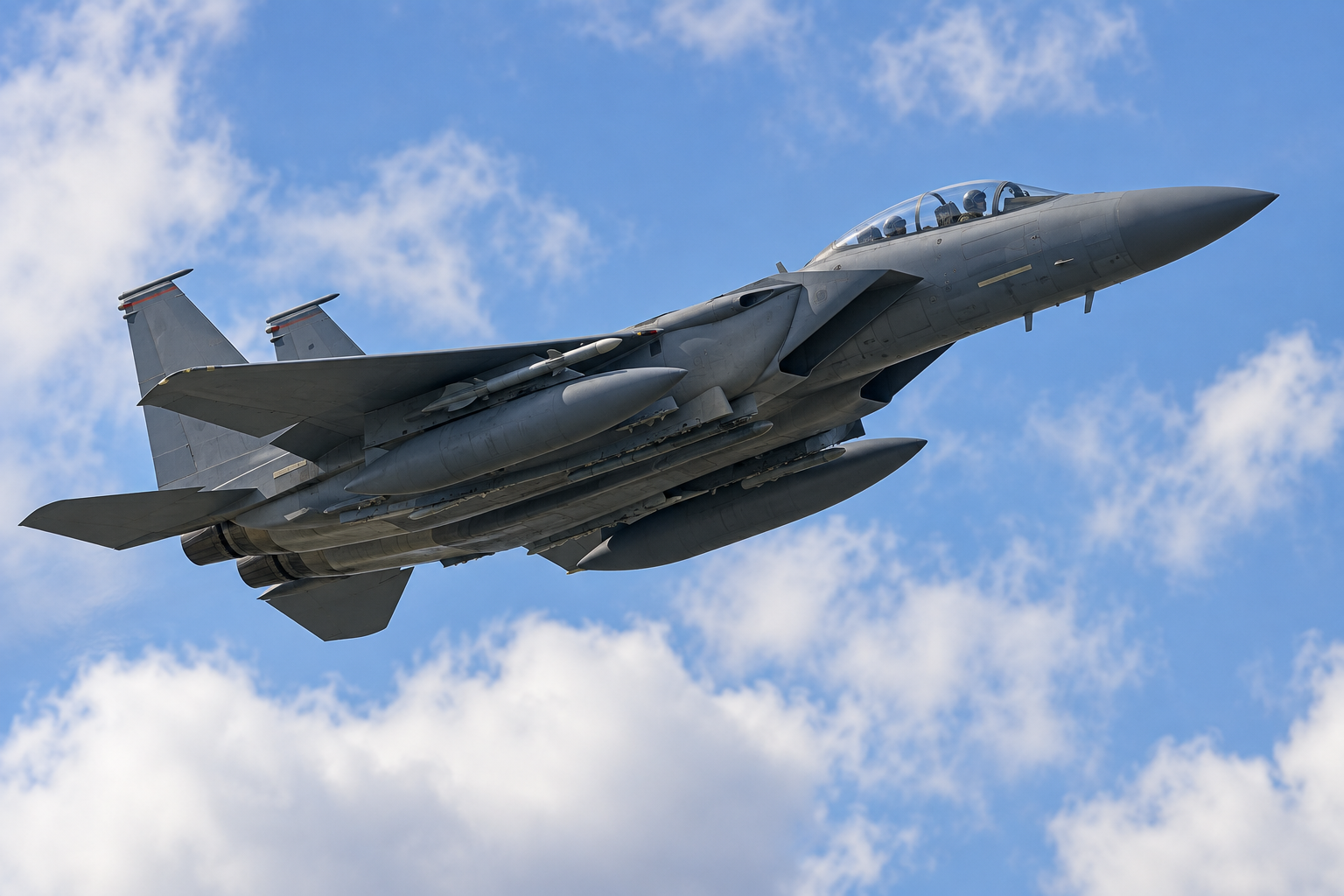
F-15E Strike Eagle and F-35A Lightning II
View Lakenheath Explore the airfield guide
KC-135 Stratotanker and support aircraft
View Mildenhall Explore the airfield guide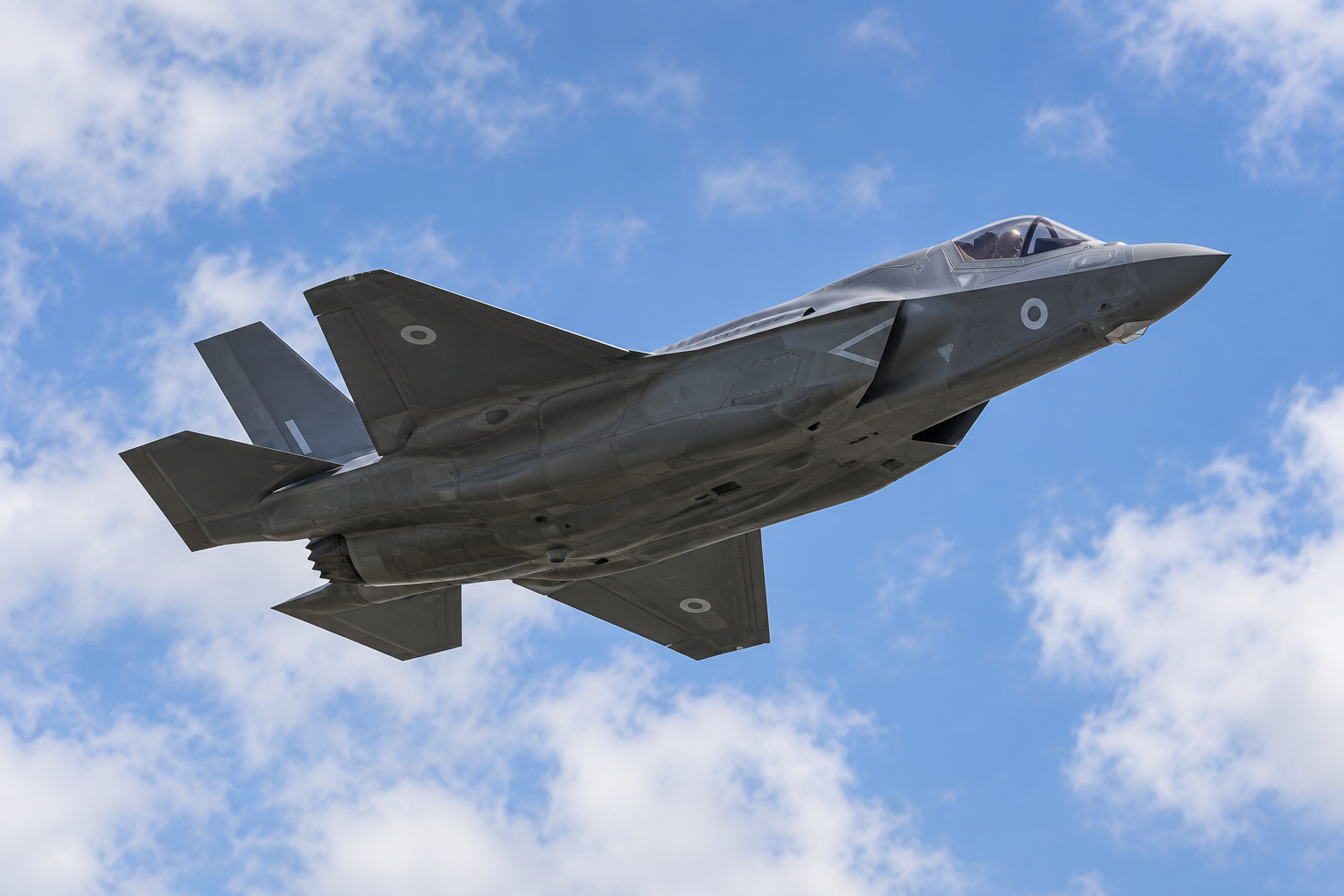
F-35B Lightning
View Marham Explore the airfield guideTyphoon and Poseidon MRA1
View Lossiemouth Explore the airfield guide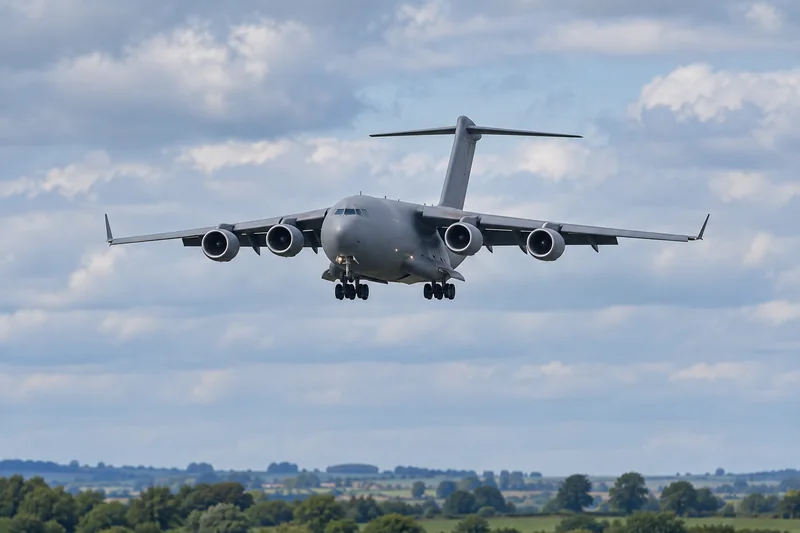
Atlas A400M, C-17 Globemaster and Voyager
View Brize Norton Explore the airfield guide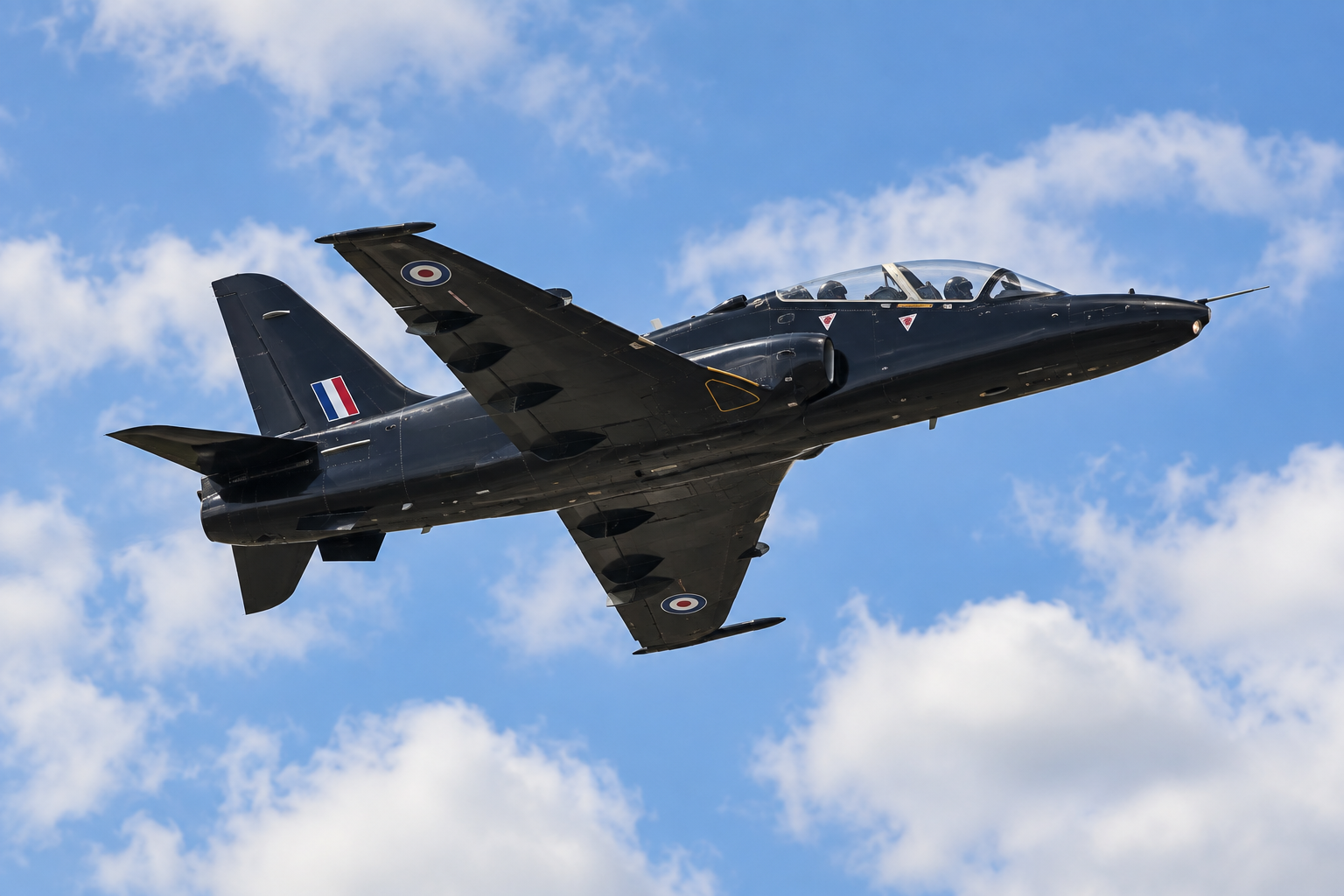
Hawk T2, Texan T1 and training helicopters
View Valley Explore the airfield guideLess checking. More looking up.
Get notified when we identify a key event at an airfield you follow.
Choose the airfields you want to hear about.
A SHORTCUT TO YOUR SKY
Add it to your phone for quick access to your favourite airfields. No account needed.
Open the browser menu and look for Install app or Add to Home screen.
Look for the install option in your browser’s address bar or menu. If it isn’t available, you can bookmark the site and keep using it normally.
Flying information and weather need an internet connection. Manage your flying alerts.